What Is an EPG? The Program Guide Behind Live TV Apps
What is an EPG in IPTV and live TV apps? A plain explanation of the electronic program guide, where its data comes from and how to fix a blank guide.
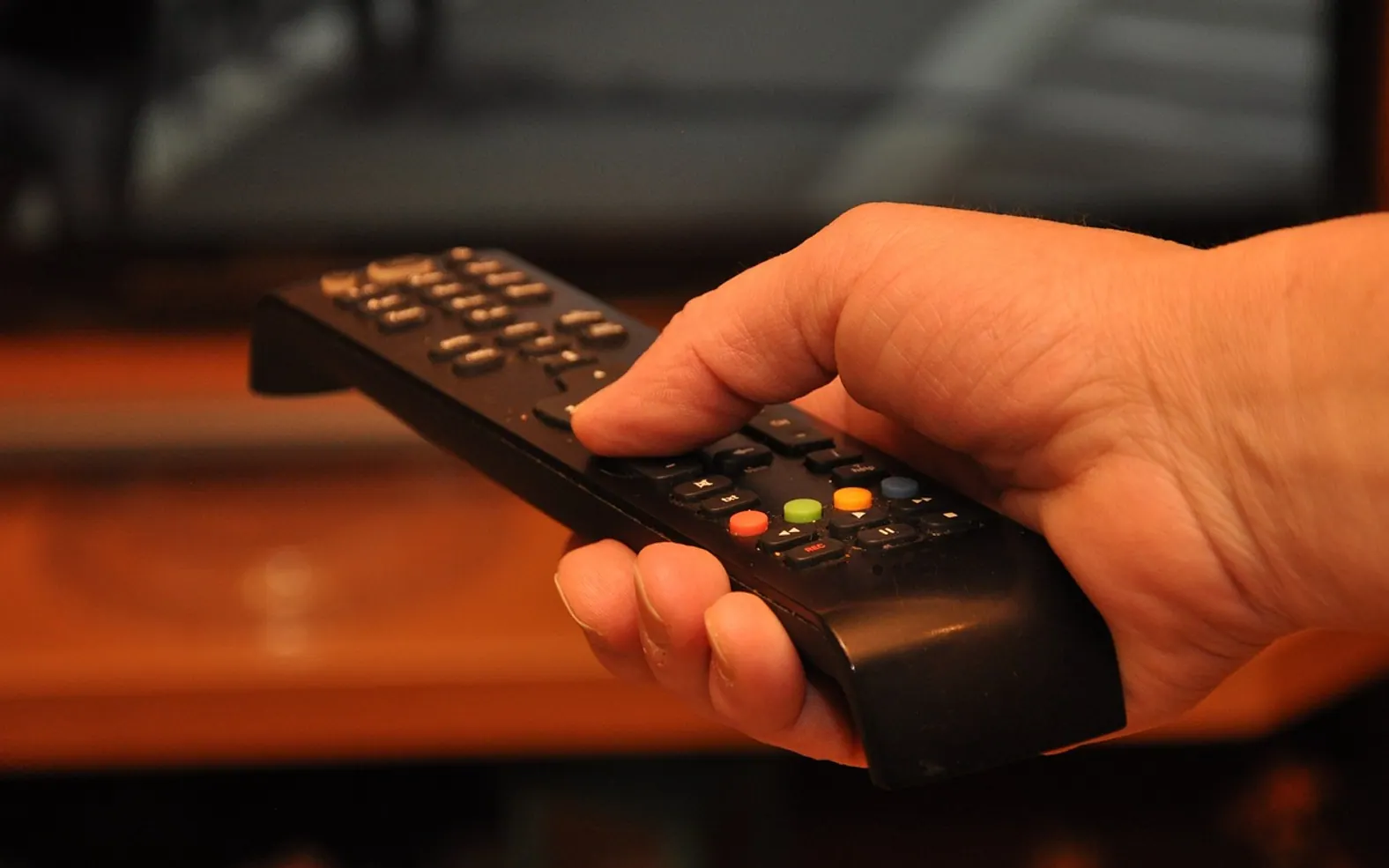
Open almost any live television app and the first thing you see is a grid: channel names down one side, a timeline across the top, and blocks of show titles filling the space in between. That grid has a name, the electronic program guide, usually shortened to EPG. People searching "what is EPG IPTV" have often met it for the first time when the grid in a new app turned up empty. This explainer covers what the guide is, how it gets its information and what to check when it stops working.
The short definition
An EPG is a schedule of what is airing on each channel, delivered as data that a TV, set-top box or app can display. It replaces the printed listings magazines and on-screen text pages that older viewers will remember. Beyond a simple timetable, a guide usually carries a title, a time slot, a short description, and sometimes a genre, an age rating, season and episode numbers, or artwork for each program.
The guide is separate from the video itself. The channel stream tells your device what to show on screen right now; the guide tells it what is on, what comes next and what aired earlier. You can have a working stream with no guide, or a full guide for a channel that will not play.
Where the guide data comes from
Broadcast and cable television
With traditional over-the-air and cable TV, schedule information travels alongside the signal. Broadcasters embed it, and the television or cable box decodes it. The viewer never has to configure anything.
Internet-delivered television
With IPTV, the guide usually arrives as a separate file or feed that the app downloads from the service. A common format is XMLTV, a structured text file listing channels and their programs with start and end times. Some services use their own formats or deliver the guide through the app's own interface. Either way, the app has to fetch that data, read it, and then match each schedule to the right channel in your list.
That matching step is where most trouble starts. The guide identifies channels by an ID, and the channel list uses its own IDs. When the two agree, the grid fills in neatly. When they do not, the channel shows up with "No information" next to it even though the stream plays.
What a good guide lets you do
- Browse ahead to see what is on later tonight or later in the week.
- Read a synopsis before deciding whether to switch.
- Set reminders or recordings where the service and device support them.
- Use catch-up, on services that offer it, by selecting a program that has already aired.
- Search by title or genre instead of flicking through channels one at a time.
Licensed services generally invest in accurate, complete guide data because it is part of what customers pay for. Unofficial sources often have patchy or missing listings, which is one more reason, alongside the legal ones, to stick with legitimate, properly licensed providers.
Why the guide goes blank, and what to try
An empty or wrong guide is one of the most common complaints with live TV apps. The causes tend to fall into a few groups.
The guide has not downloaded yet
Guide files for a large channel list can be big. On first launch, or after clearing the app's data, it may take a little while to fetch and process. Give it time, and if the app has a "refresh EPG" or "update guide" option, use it.
Connection trouble
A weak or unstable connection can interrupt the download partway through, leaving the grid half full. Our comparison of ethernet vs Wi-Fi for streaming explains why a cable to the TV box often makes both the picture and the guide more dependable.
Wrong time zone or time offset
If every show appears an hour or more out of step, the device or app is probably set to a different time zone than the guide data assumes. Check the clock on the device first, then look for a time-shift or offset setting in the app.
Mismatched channel IDs
If most channels have listings and a handful do not, the guide probably lacks matching entries for those specific channels. Some apps let you manually assign a guide entry to a channel. Otherwise, the provider's support team is the right place to report it.
An outdated guide address
Where the app asks you to enter a guide URL from your provider, an old or mistyped address will leave the grid empty. Copy it again from your account page instead of typing it by hand.
EPG settings worth knowing
Most live TV apps tuck a few guide options into their settings. You may see how often the guide refreshes, how many days ahead it stores, whether to show program artwork, and whether old listings are kept for catch-up. Storing more days ahead and loading artwork makes the guide richer, but on a modest streaming stick it can also make the app slower to open. If the guide feels sluggish, reducing the number of days stored is a reasonable first adjustment.
How the guide fits into the bigger picture
The guide is only one part of a live TV setup, alongside the service itself, the device and the home network. If you are still choosing a service or a box, our getting-started guide to IPTV walks through the basics in order. Once the pieces are in place, a well-filled guide is what makes live television feel easy to browse rather than a list of channel names you have to remember.
Fresh in every section
Got a topic idea?
A short note is enough.