How Do Smartwatches Measure Heart Rate? The Light Sensor on Your Wrist
How smartwatches measure heart rate with green light and an optical sensor, why readings jump during exercise, and how to get steadier numbers from a wearable.
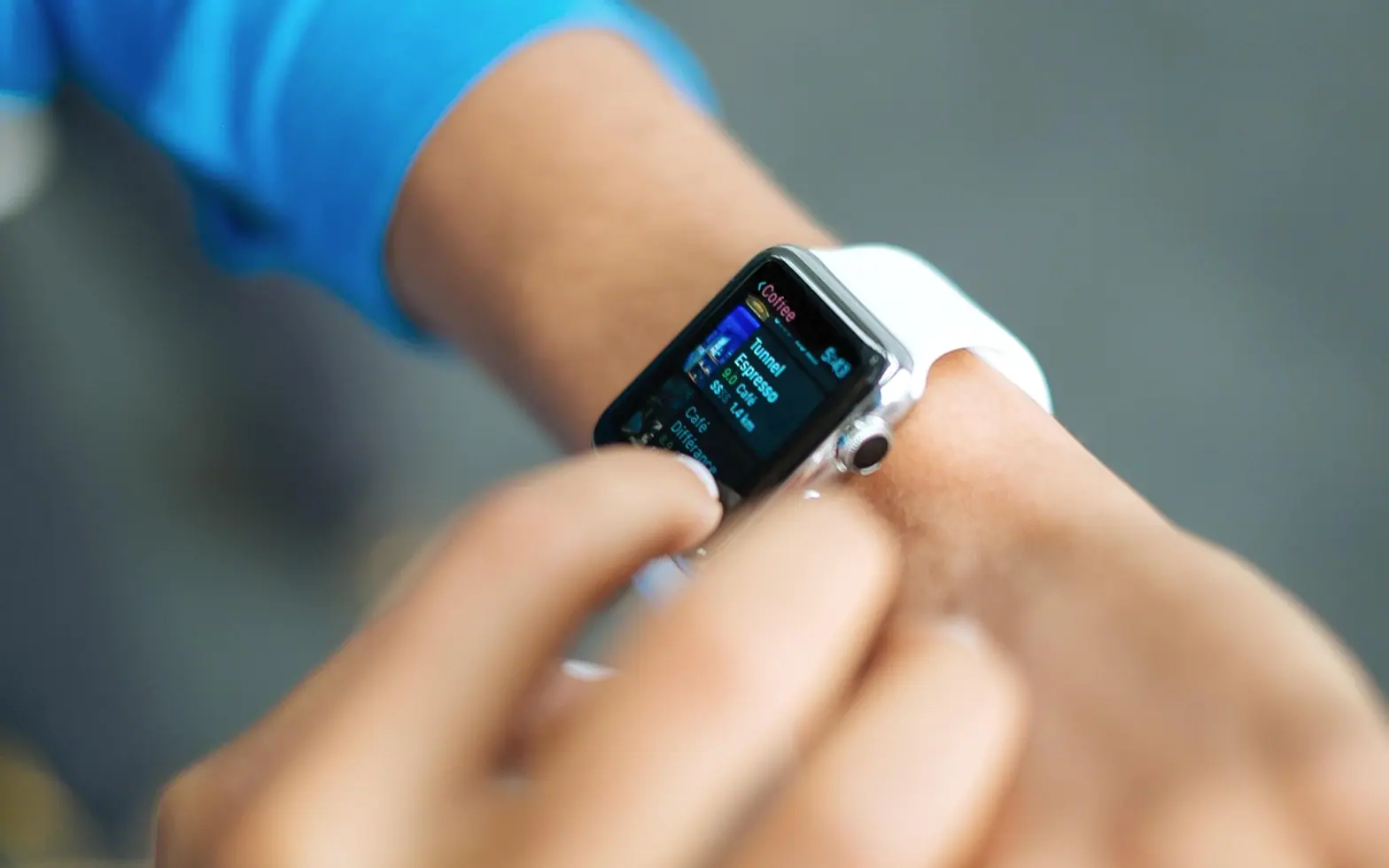
Turn a smartwatch over during a workout and you will usually see a cluster of small green lights flickering against the skin, sometimes with a red or infrared glow beside them. Those lights are the whole trick. A watch does not listen to the heart or read its electrical signal most of the time. It watches blood move under the skin and turns that movement into a number of beats per minute.
The short answer: light in, light back
Most wrist wearables use a method called photoplethysmography, usually shortened to PPG. LEDs on the back of the case shine light into the skin, and photodiodes next to them measure how much of that light bounces back. Blood absorbs green light well, so when a pulse pushes a little more blood into the small vessels of the wrist, slightly less light returns. Between beats, the vessels hold a little less blood and slightly more light comes back.
The sensor records that rise and fall many times a second. Software then looks for the repeating pattern in the signal and counts how often it repeats. That count, smoothed over a few seconds, is the heart rate on the screen. The same principle sits inside fingertip clips used in clinics, and our look at how clinical assessments combine pressure cuffs with photoplethysmography shows where it fits among other measurements.
Why green light, and what the other colors do
Green light does not travel deeply into tissue, which sounds like a weakness but helps on the wrist: it reaches the small surface vessels where the pulse shows up and is less disturbed by deeper structures. Many watches add red or infrared light for other features. Those wavelengths reach further and are used for things like estimating blood oxygen, or for overnight readings where the watch can afford a different approach.
Some models also have a second sensor type: electrodes in the crown or the case that record an electrical heart signal when you touch them with a finger from the other hand. That only works while you hold still and keep the circuit closed, so it is used for short, on-demand readings rather than all-day tracking.
Why the number sometimes wanders
An optical sensor sees everything that changes the light, not only the pulse. The common sources of error are easy to recognize once you know them:
- Movement. When the wrist swings while running or flexes while lifting, the watch shifts on the skin and the light path changes. Arm movement can follow a rhythm similar to a heartbeat, and the software may briefly lock onto the wrong one.
- A loose strap. Gaps let outside light in and let the sensor slide. A strap that is too tight presses the vessels flat and weakens the signal.
- Cold. In cold weather, blood flow near the skin drops, and so does the strength of the signal.
- Tattoos and skin differences. Dense ink under the sensor absorbs light and can make readings unreliable. Skin tone, hair and wrist shape also influence how much light returns, which manufacturers try to compensate for with sensor and software design.
- Sudden changes in effort. Sprints and intervals change heart rate quickly, and the smoothing that keeps the display steady can make the watch lag a few seconds behind.
Resting, walking and hard training compared
| Situation | How the optical sensor tends to cope | What helps |
|---|---|---|
| Sitting still or sleeping | Usually its easiest job: little movement and a clean signal | Wear the watch snug but comfortable |
| Steady walking or easy running | Generally reasonable once the pace settles | Move the watch a finger's width above the wrist bone |
| Intervals, weights, racket sports | Most prone to jumps, dropouts and lag | Tighten the strap for the session, or pair a chest strap |
| Cold outdoor sessions | Weaker signal at the start | Warm up first and keep the wrist covered by a sleeve |
Chest straps: the other way to count beats
A chest strap measures the heart's electrical activity through electrodes pressed against the skin, close to the heart itself. Because it reads the electrical signal directly rather than inferring the pulse from blood volume, it is less bothered by arm movement. Many people who train with heart rate zones use a strap for hard sessions and rely on the watch for the rest of the day. Most watches can pair with a strap over Bluetooth and use its readings instead of their own while the workout is running.
Getting steadier readings from your watch
- Wear it slightly higher than a regular watch, just above the knobbly wrist bone, where the sensor sits on flatter skin.
- Tighten the strap a notch before a workout and loosen it again afterwards.
- Keep the sensor window clean; sweat, sunscreen and dust all scatter light.
- Give the watch a few minutes of warm-up before judging the numbers.
- If you have a tattoo on that wrist, try the other arm.
- Install software updates, since heart rate processing is often refined over time.
What the number can and cannot tell you
A wrist reading is useful for trends: how your resting rate changes over weeks, how hard an easy run really was, how sleep and stress line up with the figures. It is a consumer device, not a diagnostic tool, and a single odd value is far more likely to be a sensor hiccup than a problem with your heart. Some watches send alerts about unusually high or low rates or irregular rhythms; treat those as a prompt to pay attention, not a verdict. If you feel unwell, notice palpitations, dizziness or chest discomfort, or an alert keeps repeating, speak to a doctor rather than relying on the watch.
Your heart data is personal data
Heart rate history says a lot about routines, sleep and health, and it usually syncs from the watch to a phone app and often to the maker's servers. It is worth spending five minutes in the app's privacy settings: check what is shared, whether third-party apps have access, and how to export or delete the history. The questions are much the same as for any app that keeps personal information, and the checklist in our piece on what AI companion apps store and how they make conversations feel natural works just as well for a fitness tracker.
Fresh in every section
Got a topic idea?
A short note is enough.